
Proxmox VE hosting
Run Proxmox VE yourself on one of our dedicated servers, or have us help design a larger cluster. Many teams are looking at it as an alternative to VMware.
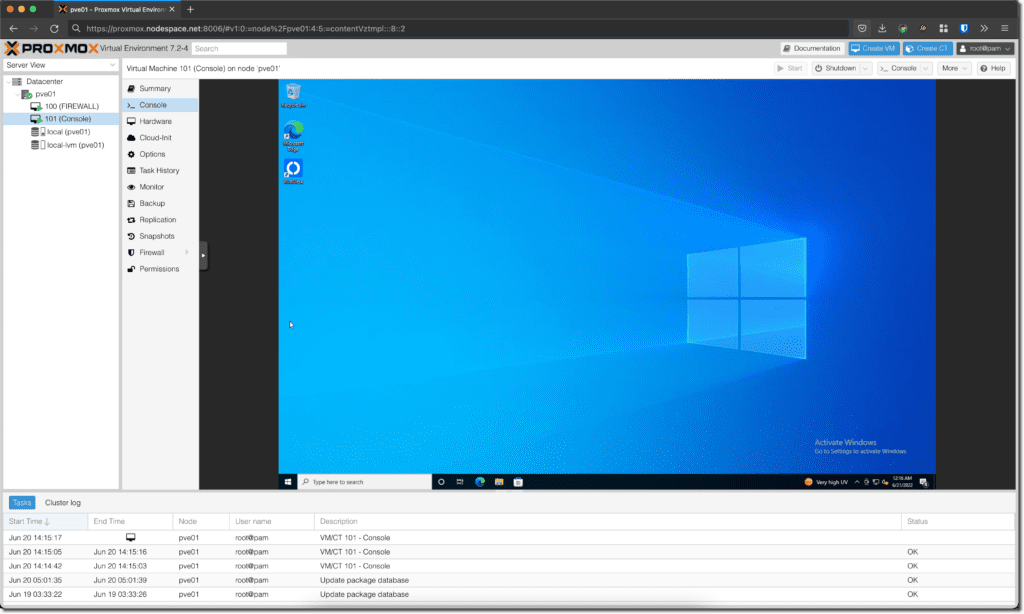
Two ways to run Proxmox with us
The difference is how much of the work we take on. Clusters, backups, and management are quoted separately and aren’t included by default.
A Proxmox-ready server
You rent a dedicated server, then install and manage Proxmox VE yourself.
- Choose from listed hardware, or request a custom build
- Install from ISO using remote console access
- You look after the hypervisor, guests, and backups
A custom-built environment
We plan the hardware, storage, and networking with you and build it around your workload. The quote spells out exactly what’s included.
- Private virtualization on multiple dedicated nodes
- Custom storage layouts, including ZFS or Ceph where they suit the design
- Private networking and VLANs between nodes
- Proxmox Backup Server integration where supported
- Migration planning and deployment help
- Ongoing management, if we’ve agreed to it for your setup
Why Proxmox
It isn’t right for every environment, but it’s worth a look if licensing costs or vendor lock-in are a concern.
- Open source
- Proxmox VE is free to run and isn’t licensed per CPU core. Optional support subscriptions are sold by Proxmox Server Solutions.
- KVM and LXC
- Full virtual machines and lightweight containers are managed from one web interface and API.
- Storage built in
- ZFS and Ceph are integrated into the platform. Which one makes sense depends on your hardware and goals.
- Clustering
- Multiple nodes can be managed together. High availability needs suitable node counts, networking, and storage.
- Backups
- Proxmox Backup Server provides incremental, deduplicated, and encrypted backups for VMs and containers.
Migrating from VMware
How much work a migration takes depends on your current platform, guest operating systems, storage, networking, and how much downtime you can accept. We plan the new environment and the migration steps before anything moves.
About migrationsWhat we need to quote it
- Guests
- Approximate VM count and operating systems.
- Storage
- Total footprint, and any performance requirements.
- Network
- VLANs, routing, and IP addressing that must be preserved.
- Availability
- Acceptable downtime, and what must survive a node failure.
Frequently asked questions
What is the best hardware for Proxmox?
Proxmox VE benefits from ECC memory, fast storage, and enough CPU capacity for the planned guests. Cluster and Ceph designs may also require dedicated high-speed networking.
How many nodes does a Proxmox cluster need?
Three nodes is the usual minimum for reliable quorum. High availability and Ceph add their own storage and networking requirements, which we can work through with you.
Can you migrate my VMs from VMware to Proxmox?
We can help plan and carry out migrations. The work depends on your environment, so we scope it first and agree it in a quote.
Is Proxmox a good alternative to VMware?
Proxmox VE provides KVM virtual machines, LXC containers, Ceph storage, clustering, and a web interface, and it isn’t licensed per CPU core. Whether it fits depends on your workloads and on any features you rely on today.
Do you offer managed Proxmox?
Management isn’t included with a dedicated server by default. If you’d like us to run part of your environment, tell us what you need and we’ll let you know what we can offer.
Do you also support Proxmox Mail Gateway?
It can be deployed on your own server or as a VM. Contact us if you’re planning a deployment.